This article explains how to avoid turning AI prompts into a pile of saved notes. If you want reusable prompts that are easy to call up when you need them, it helps to evaluate tools like SnipIt by their retrieval flow, not only by storage. See how SnipIt works
AI prompt management sounds useful, but it is not always obvious what you should save or how you should organize it. Many people start by pasting prompts into a note, then later end up with too many similar prompts and no clear way to choose one.
This guide explains what to save, how to organize prompts for reuse, and what to set up first. The short version: do not save only long finished prompts. Save smaller reusable parts too, such as role instructions, output formats, and constraints.
Quick conclusion
Start by saving reusable parts, not only complete prompts. Organize by use case rather than by AI tool. If you use prompts every day, create a quick access path instead of relying only on a note archive.
What is AI prompt management?
AI prompt management means keeping the instructions you give to AI in a state where they can be reused when needed. It is not just saving text. It is making useful instructions available at the right moment.
If you repeatedly write role instructions, output format requests, constraints, task templates, or starting phrases, those are all candidates for prompt management.
AI is a tool where a good way of asking can be reused. That is why it is valuable to keep prompts in a form that can be used again, instead of recreating them from memory.
Why prompt management becomes necessary
At first, writing a prompt each time is fine. But as usage grows, common problems appear: prompts scatter across tools, similar versions pile up, the best wording is forgotten, long prompts are hard to type on iPhone, and saved prompts are not actually reused.
The problem is not always the lack of a good prompt. Often, the problem is that the good prompt is not available in a usable workflow.
What should you save?
Do not save only full-length prompts. Save reusable units that can be combined and adapted.
Role instructions
Examples include “Act as an editor,” “Explain this for beginners,” or “Help me organize the points calmly.” Frequently used perspectives are worth saving.
Output formats
Phrases like “start with the conclusion,” “use bullet points,” “make a table,” or “split this into action steps” help stabilize AI output.
Constraints
Constraints such as “write in Japanese,” “avoid jargon,” “do not include code,” or “include concrete examples” are reusable across many tasks.
Use-case templates
If you repeatedly summarize, proofread, brainstorm, draft blog outlines, or create social posts, save templates by task.
What should beginners create first?
You do not need a large library at the beginning. Start with five to ten items: two role instructions, two output formats, two constraints, and a few templates for tasks you do every week.
This keeps the system light and useful. Trying to create a perfect taxonomy too early usually makes the system harder to maintain.
How to organize prompts
Organize by use case
Instead of grouping by AI tool, group prompts by what you want to do: summary, proofreading, brainstorming, social posts, blog outlines, customer replies, and so on.
Separate short parts from finished prompts
Keep role instructions, formats, and constraints as small reusable parts. Also keep complete prompts for tasks you perform often. This gives you both flexibility and speed.
Use clear names
Avoid vague names like “prompt 1.” Names such as “AI_summary_conclusion_first” or “AI_proofread_natural_Japanese” make the use case obvious.
Where should prompts be saved?
A single storage location is not always the best answer. Notes, Notion, and documents are good for long-term storage. Text snippet apps and keyboard-based workflows are better for prompts you use during actual input.
Why a text snippet app can help
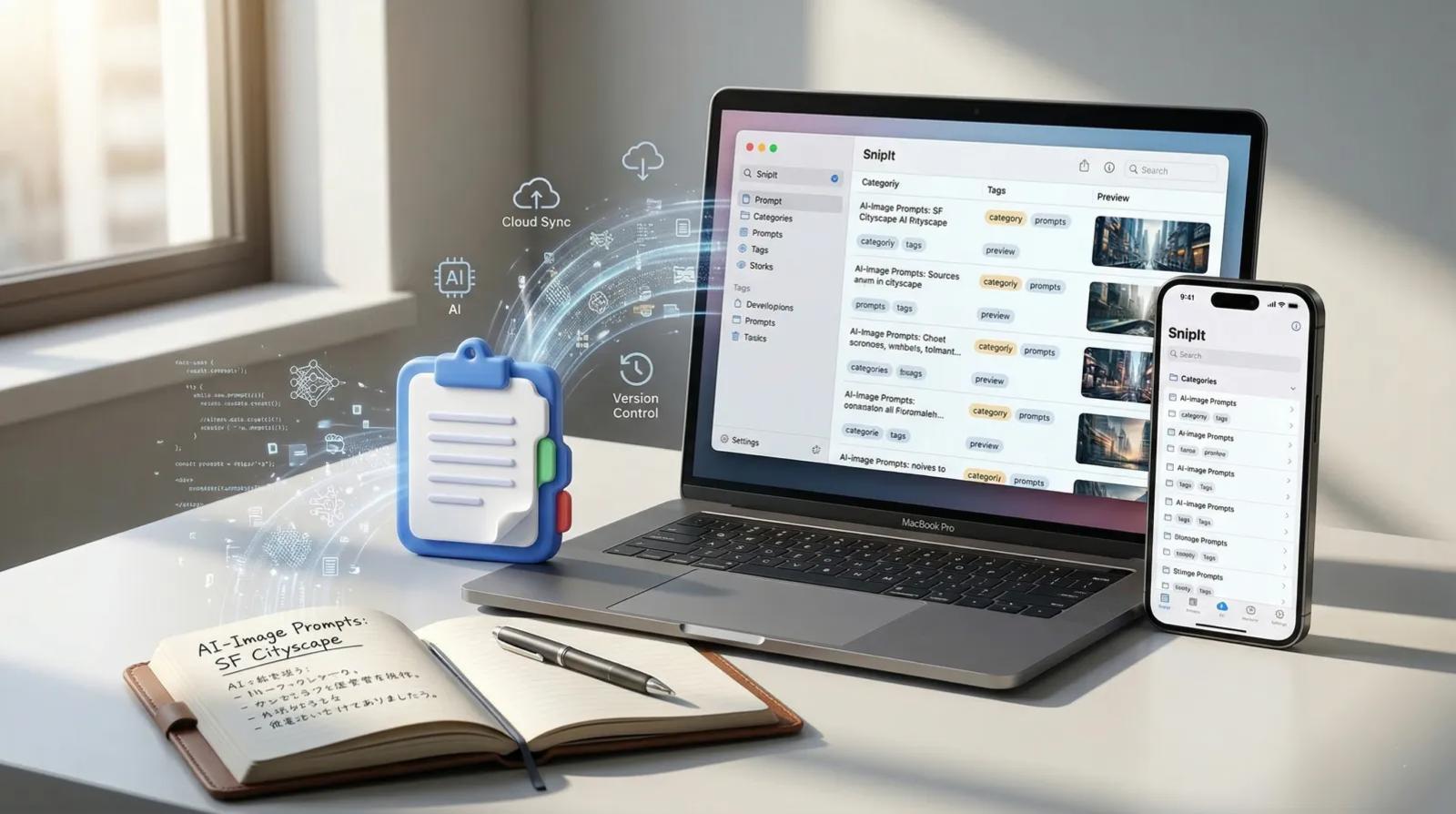
If you want prompts to be used in real work instead of archived and forgotten, a text snippet app such as SnipIt can be a good fit. It keeps frequently used prompts closer to the place where you type, including mobile workflows.
FAQ
Are notes enough at first?
Yes. But as the number of prompts grows, retrieval becomes more important than storage.
Should I save only complete prompts?
Complete prompts are useful, but smaller reusable parts make the system easier to adapt.
Can I register too many prompts?
Yes. Too many prompts can make searching harder. Start with the items you use every week.
Summary
AI prompt management is not about building a complicated system. It is about knowing what to save and making useful instructions easy to reuse. Start small, organize by use case, and separate long-term storage from quick access as your usage grows.
SnipIt
iOS / macOS
Build prompt management that does not stop at saving text
If you want AI prompts to become reusable working assets rather than notes you rarely open, check how SnipIt can keep frequently used prompts closer to the place where you type. It is especially useful when you want a simple flow for saving, organizing, and calling up prompts again.
Start by checking whether this kind of retrieval workflow fits how often you use AI prompts.