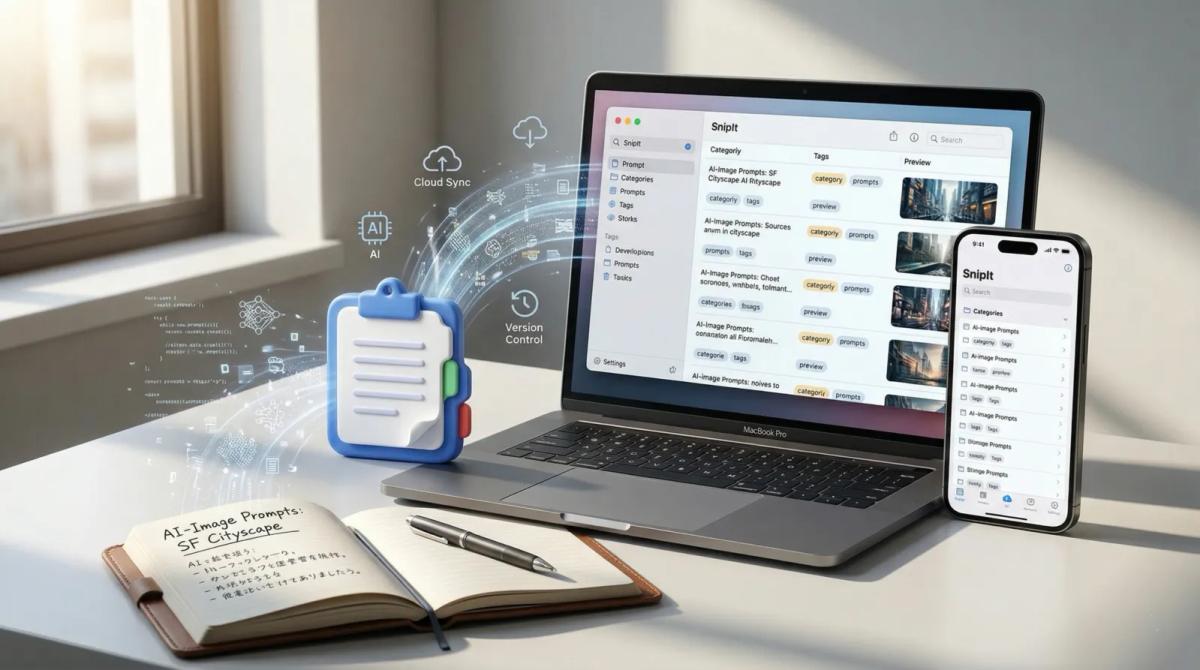
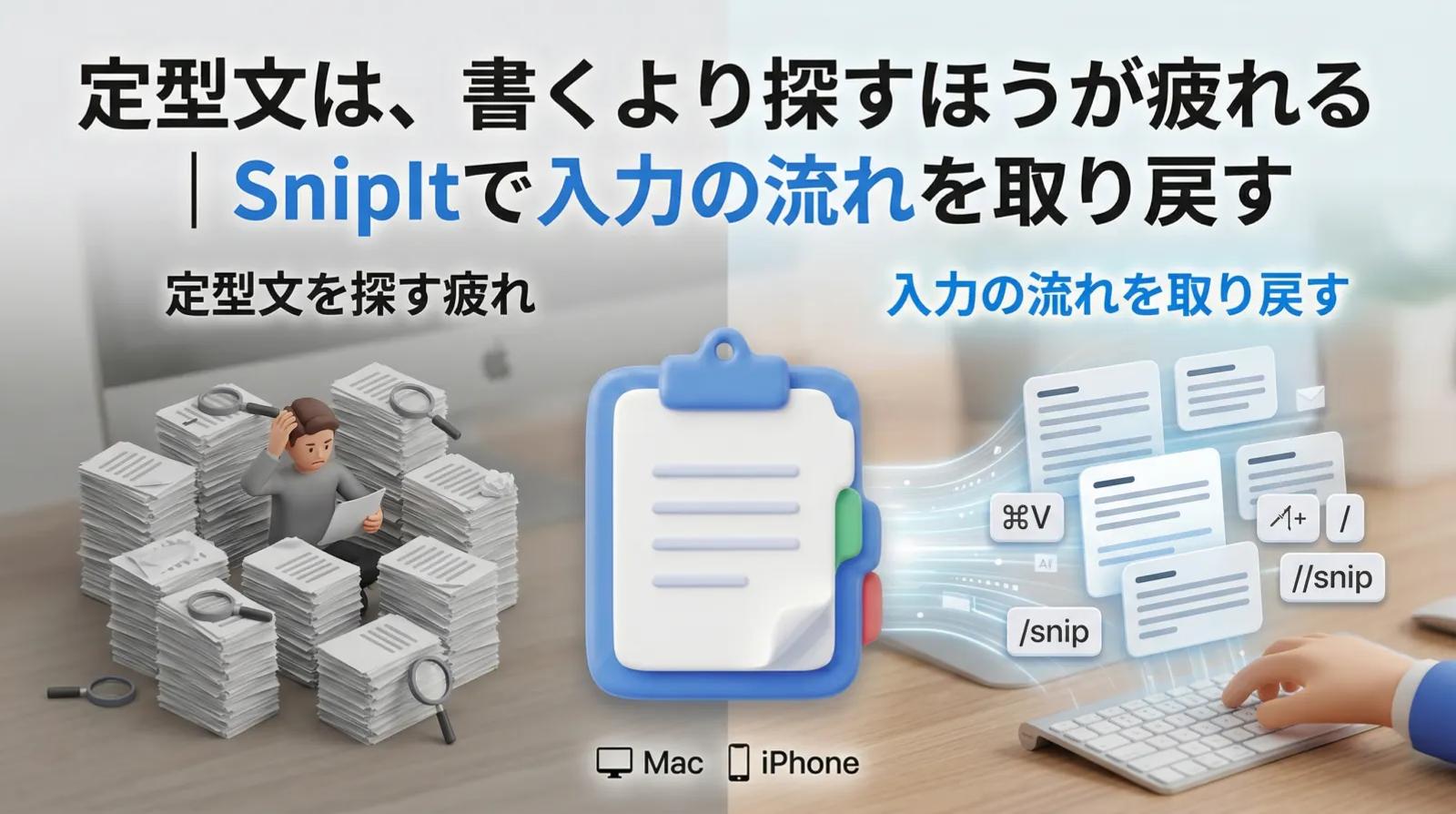
This article focuses on making reusable replies and guidance text easy to retrieve before you start writing. If you want to reduce the time spent searching for templates, SnipIt can help you organize text by situation and call it up when needed. View SnipIt for Mac
Customer replies, guidance messages, shipping updates, and familiar explanations. You may write similar text every day, yet the work does not feel lighter.
In that situation, what you are losing is often not typing speed. It is the time spent deciding which text to use. SnipIt helps remove that small hesitation and restores the flow of input.
Why repeated text still feels tiring
Using the same text again and again takes more mental energy than it appears. Even if you are not writing from zero, you still have to remember where the text is saved, search through old notes, adjust it, and paste it.
Those few seconds accumulate. The problem is usually not a lack of templates. It is that the templates are scattered and not organized by the moment of use.
Text may exist in a notes app, a chat history, or a random file. But if the path to retrieve it is messy, the template does not become a practical tool.
SnipIt helps because it organizes the flow, not just the text
SnipIt is effective because it is not only a place to save reusable text. It helps bring that text closer to the moment you need it.
If replies, purchase instructions, shipping messages, and social announcements are organized by use case, you spend less time searching in your head. One-tap access can make input feel much quieter.
1. Organize by use case
Putting every template into one large box is not enough. Customer support, shipping, product guidance, and announcements should be grouped by the situations where they are used.
2. Call up text with one tap
A good template loses value if it takes too long to retrieve. SnipIt turns saved text into actual work speed by making it quick to copy and use.
3. Keep work text in a safer place
Reusable business text can include sensitive details: customer replies, operations messages, and standard guidance. Having passcode support makes SnipIt feel more like a work tool than a casual note bucket.
Who gets the most value from SnipIt?
SnipIt is not necessary for everyone who saves text. It is most valuable for people who reuse the same kinds of writing many times a day: shop owners, support teams, creators, people sending announcements, and anyone who repeats customer-facing explanations.
A few seconds saved per message can become a meaningful difference over a week. More importantly, reducing hesitation helps protect your attention.
Summary
The core problem in reusable text management is not the amount of text. It is the friction in the flow. SnipIt helps reduce that friction by making useful text easier to organize, find, and use at the right moment.
If you also want to manage AI prompts with the same kind of workflow, the prompt management comparison article is a good next step.
Related article: ai-prompt-management-comparison
SnipIt
iOS / macOS
If you want to spend less time searching for reusable text
When replies, guidance text, and templates slow you down because they are hard to find, SnipIt can help you organize them by situation and call them up quickly. Start by checking whether its reusable-text workflow matches the way you write every day.
Reduce the time spent searching for templates
If the friction is not writing but finding the right text again, SnipIt can make frequently used replies and guidance text easier to organize and reuse.
Baseline variant focused on reducing search time.
Keep your reply workflow moving
If you want to stop rewriting replies on the fly, SnipIt lets you keep common messages organized by situation so you can stay in flow.
Variant focused on smoother reply operations.
Reuse templates and AI prompts in the same system
If AI prompts and standard replies are both reusable assets in your work, SnipIt can help you manage them in a shared retrieval flow across Mac and iPhone.
Variant bridging reusable text and prompt management.