Universal app for iPhone / iPad / Apple Watch

Your voice
moves the script.

VocaPrompter is a next-generation teleprompter app that scrolls text automatically at your speaking pace. Use the same app as an iPhone or iPad teleprompter, keep your eyes near the camera, and record videos or deliver presentations with confidence.
VocaPrompter iPhone screen auto-scrolling a script with voice recognition

App summary

App name
VocaPrompter
In one line
A speech-recognition teleprompter app that auto-scrolls your script with your voice.
OS
iOS 17.0 / iPadOS 17.0 / watchOS 10.0 or later
Use cases
Video recording, presentations, narration practice, remote shoots
Pricing
Start free. Pro features available.
Data handling
On-device speech recognition is available on supported devices.

Who it helps

For anyone who wants the script to follow their speaking pace.

VocaPrompter helps creators, presenters, lecturers, and narrators speak naturally while reducing manual scrolling.

Video creators and streamers

Keep the script close without looking away from the camera.

Presenters and lecturers

Stay on track while explaining slides, lessons, or talks.

Narration practice

Practice reads and remote recordings with less script handling.
Features that support professional recording

VocaPrompter voice-following teleprompter and script display features

AI-assisted speech tracking and practical controls help you focus on speaking.

Auto-scroll that follows your voice

Advanced speech recognition identifies where you are in the script, even when you pause, improvise, or skip ahead.

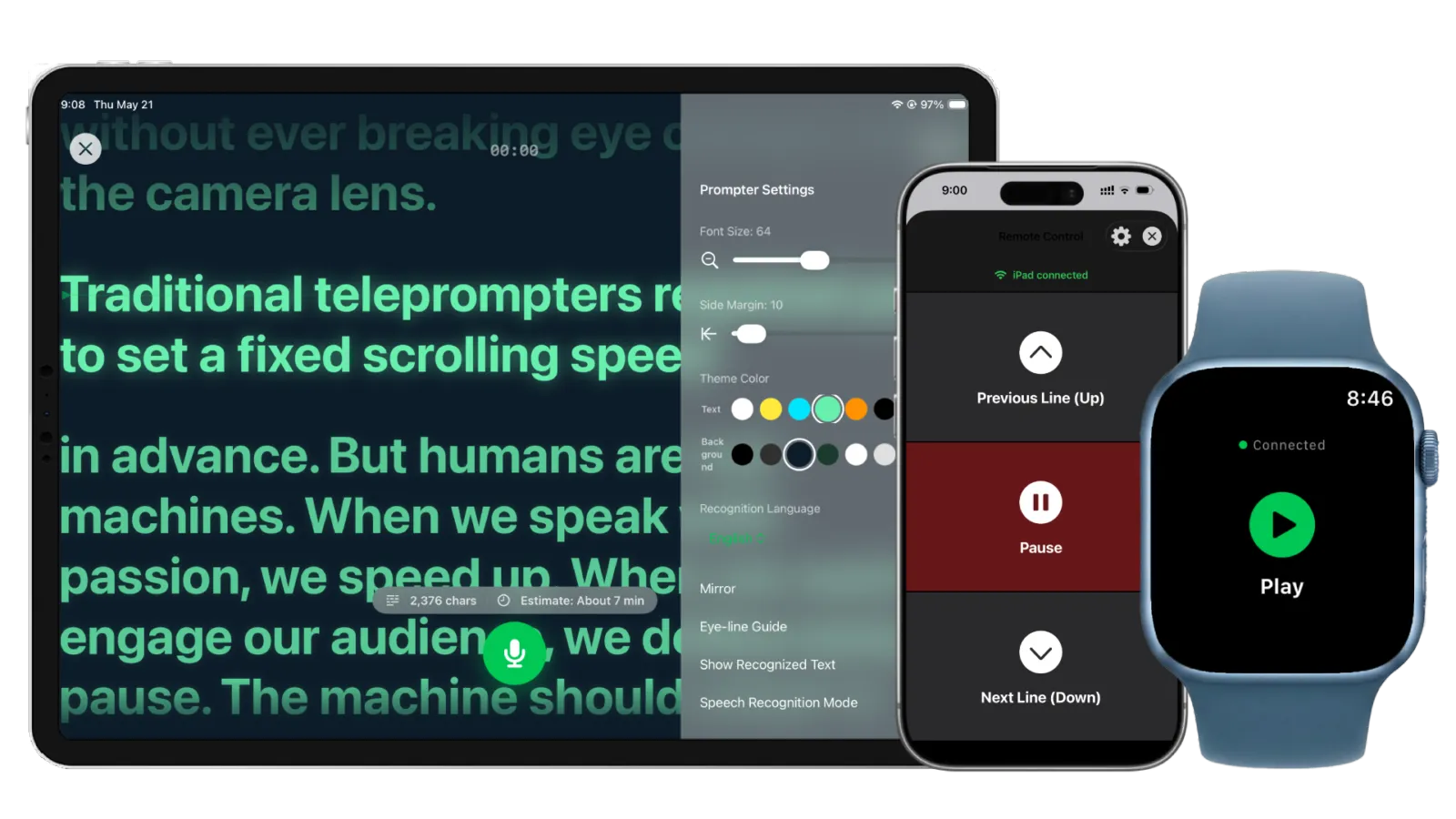
iPhone, iPad, and remote control

Use iPhone for quick solo shoots, iPad for studio teleprompter setups, and iPhone or Apple Watch as a remote.

Smart script formatting

Import from text, web pages, PDF, or DOCX, then format scripts into easy-to-read teleprompter text.

Universal app

Choose the right device for each shoot

Install once and use VocaPrompter across iPhone and iPad, depending on your filming style.
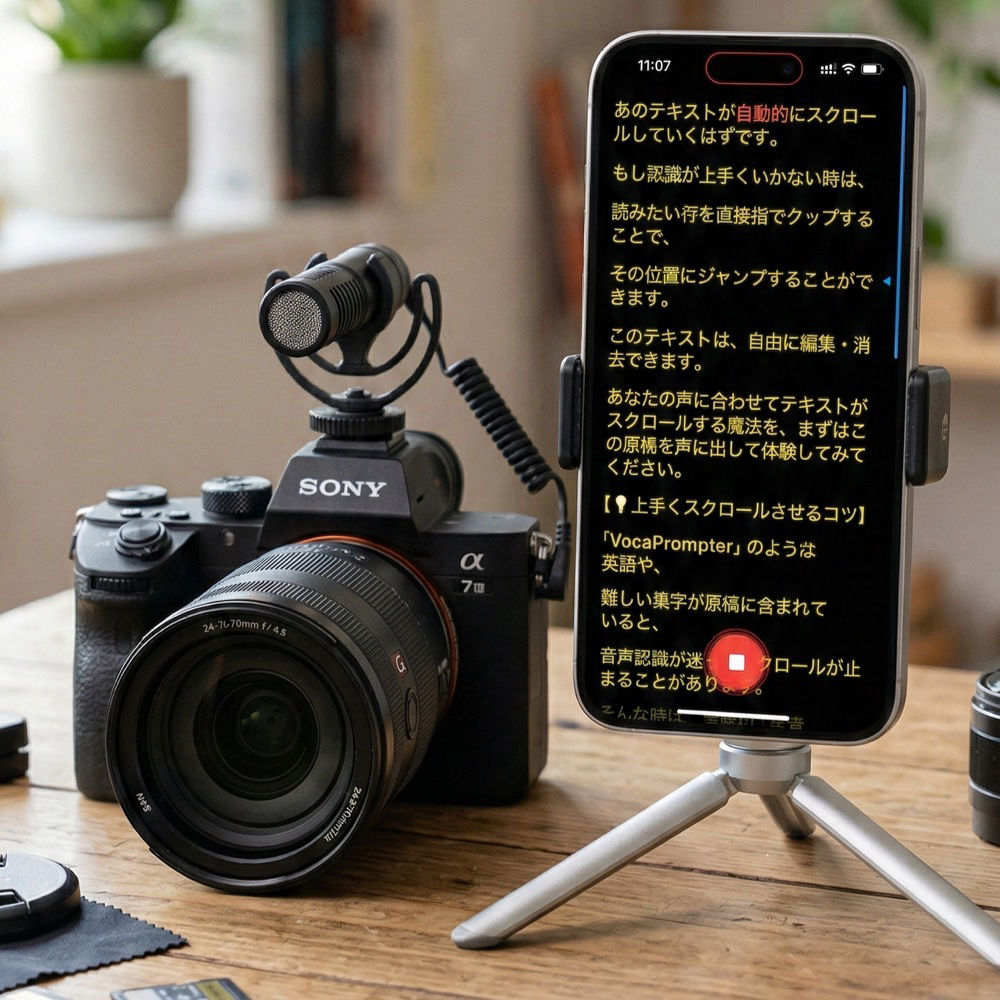
Using an iPhone as a teleprompter for video recording

Quick shoots with iPhone

Place your iPhone near the camera for solo videos, vlogs, and short-form content.
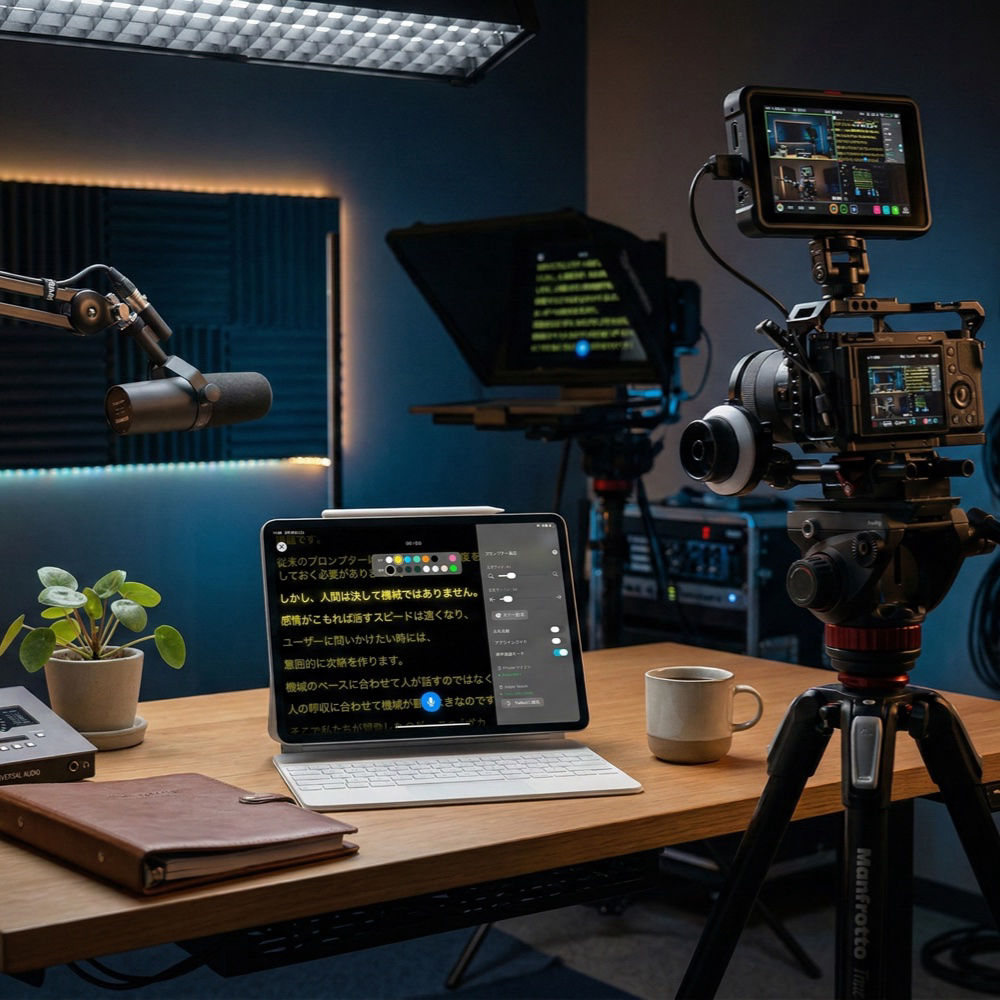
Using an iPad as a studio teleprompter

Studio recording with iPad

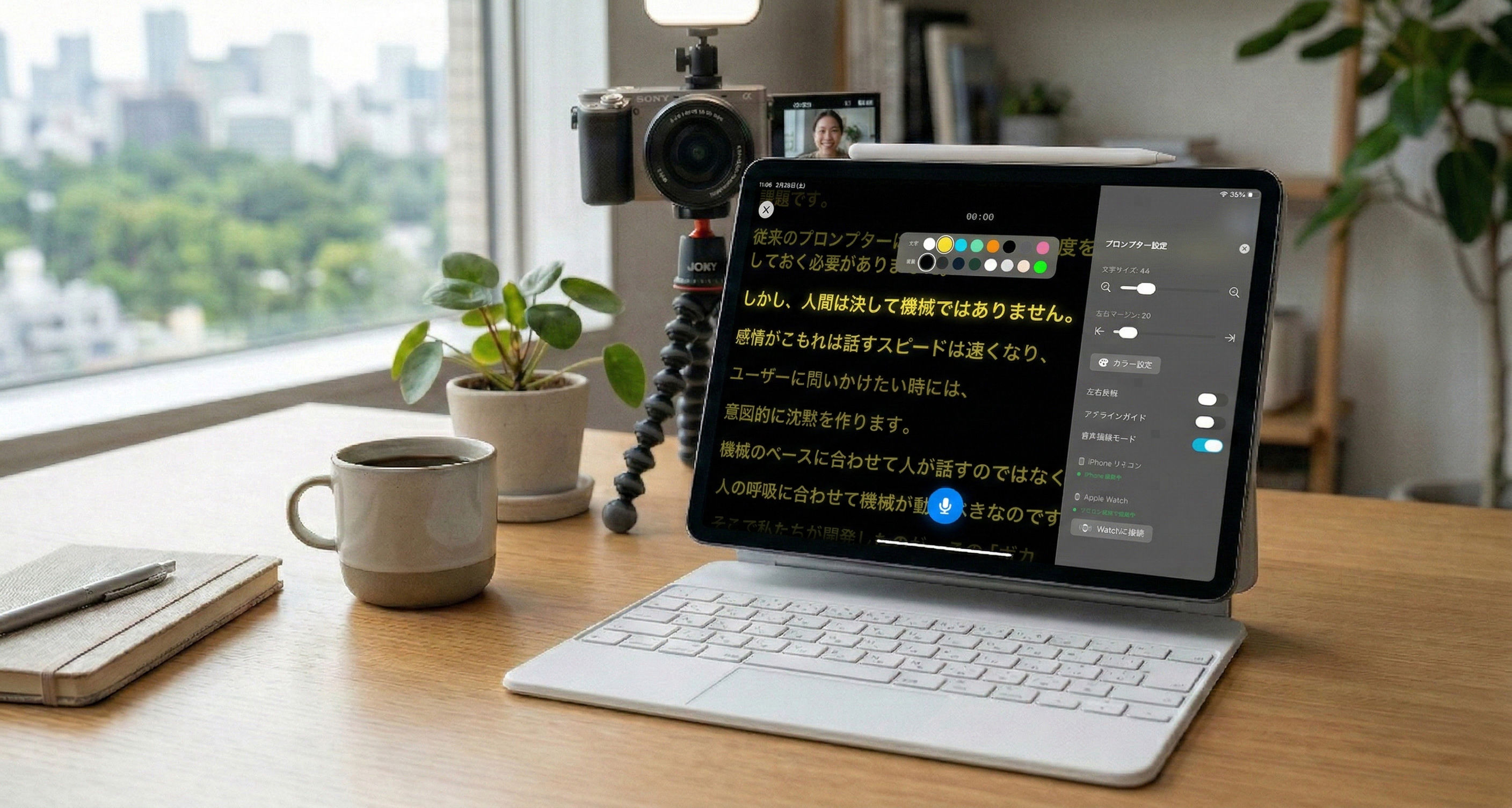
Large text, mirror display, and remote controls support serious teleprompter gear.
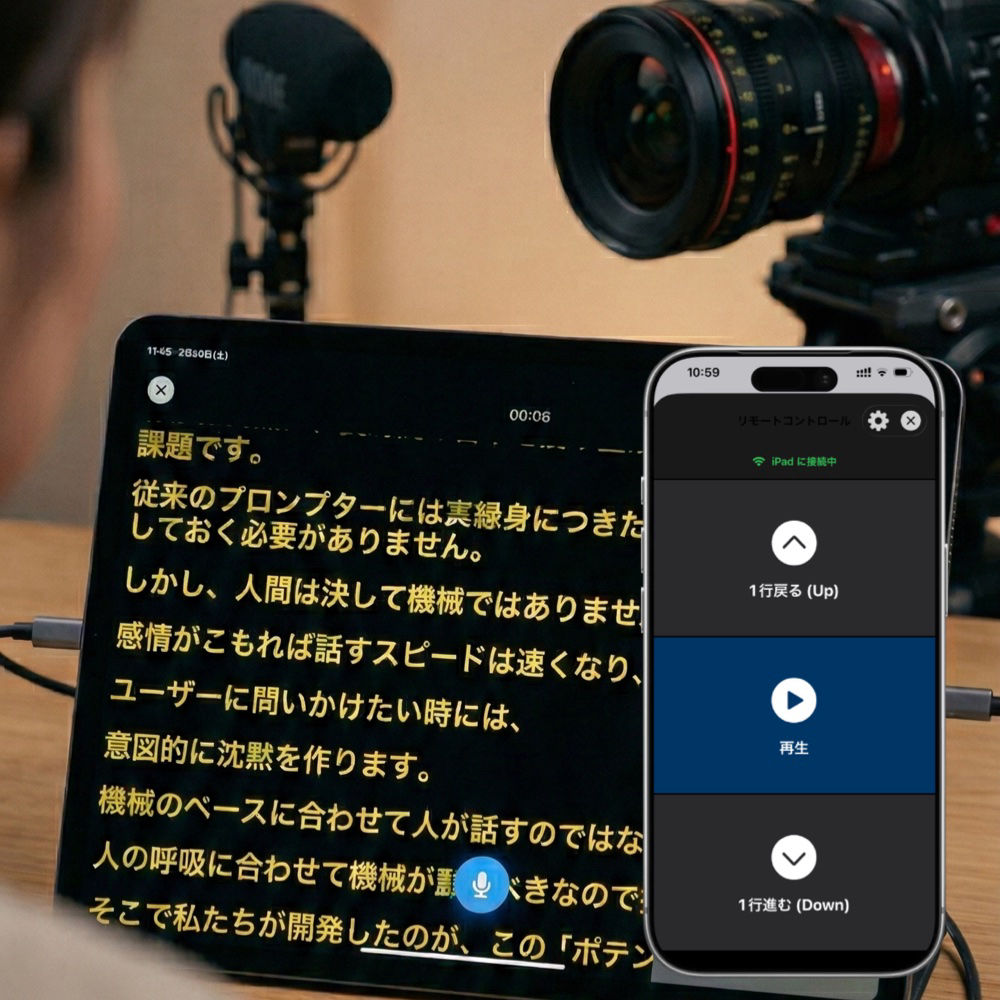
iPad teleprompter controlled from an iPhone remote

iPad + iPhone remote

Use the iPad as the prompter and another iPhone or Apple Watch as a remote.

A simple three-step workflow

Prepare the script, optimize the text, then speak.
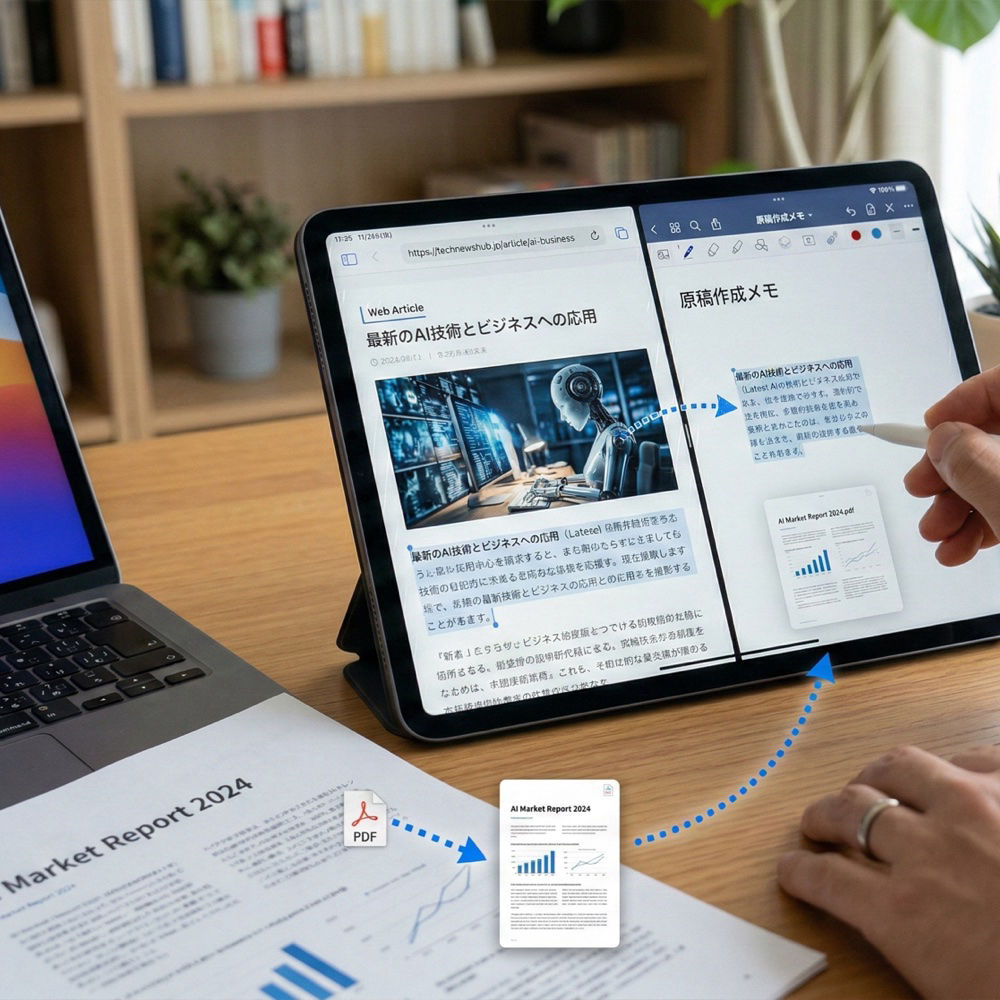
1

Import your script

Importing a filming script into VocaPrompter on iPad

Paste text or extract it from a web page, PDF, or document.
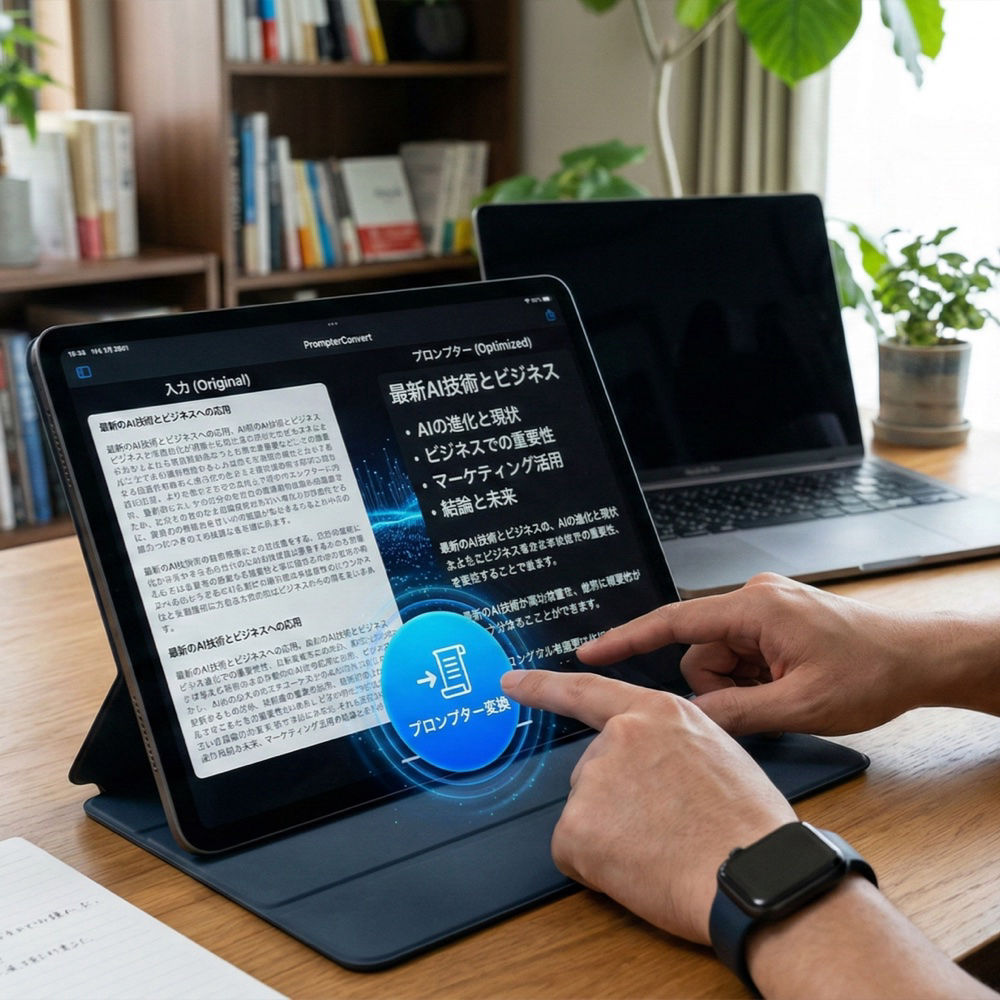
2

Make it easy to read

Optimizing a script for readable teleprompter display

Use smart line breaks and formatting for smoother reading.
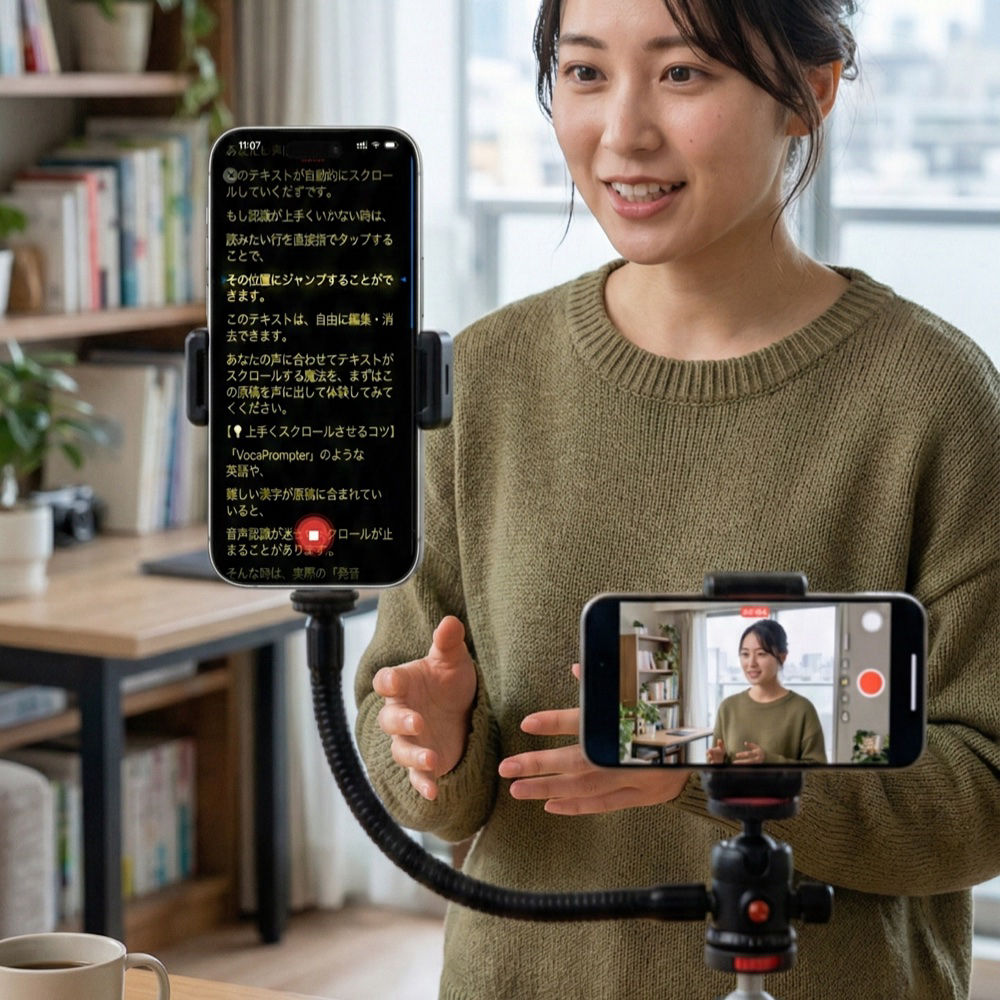
3

Just speak

VocaPrompter following spoken words on an iPhone screen

Start reading aloud and the script follows your voice.

Pricing

Start free. Unlock Pro when you need more.

No subscription. Pro is a one-time purchase for serious recording workflows.

Free

For trying the core workflow

  • Voice recognition and auto-scroll
  • Up to 500 characters
  • Up to 3 saved scripts
Start for free
Recommended

Pro

For full-scale filming and presentations

Launch offer

$34.99$44.99

Regular price $44.99 after the launch offer ends.

  • No character limit
  • Unlimited saved scripts
  • PDF / web / DOCX import
  • Remote control from Watch / iPhone
  • Mirror display and full customization
Upgrade to Pro

Official facts

Frequently asked questions

VocaPrompter is an iPhone/iPad teleprompter app that auto-scrolls your script with your voice.

Can I use it without an internet connection?
Yes. On supported devices and languages, VocaPrompter can use on-device speech recognition. Some OS settings or languages may require Apple’s server-based recognition.
Can I use my iPhone as a teleprompter?
Yes. VocaPrompter works on both iPhone and iPad, so you can place an iPhone near the camera or use an iPad for a larger display.
Do I need an Apple Watch?
No. Apple Watch remote control is optional. You can also use another iPhone, Bluetooth keyboard, or foot pedal depending on your setup.
Can it handle ad-libs or skipped lines?
Yes. VocaPrompter compares the visible script with your speech and resumes following when you return to the script.

Take your recordings to the next level.

Download VocaPrompter and experience stress-free script reading for videos and presentations.

Download on the
App Store

Requires iOS 17.0 / iPadOS 17.0 / watchOS 10.0 or later