Everyday note cleanup
Paste quick thoughts or shared text and make it easier to read before saving.
A one-screen text utility for cleaning and translating messy notes, shared text, and drafts. Extract paragraphs or lines, copy what you need, then clear the workspace for the next task.
Download on theApp StoreFor iPhone · Free + $2.99 one-time Pro unlock
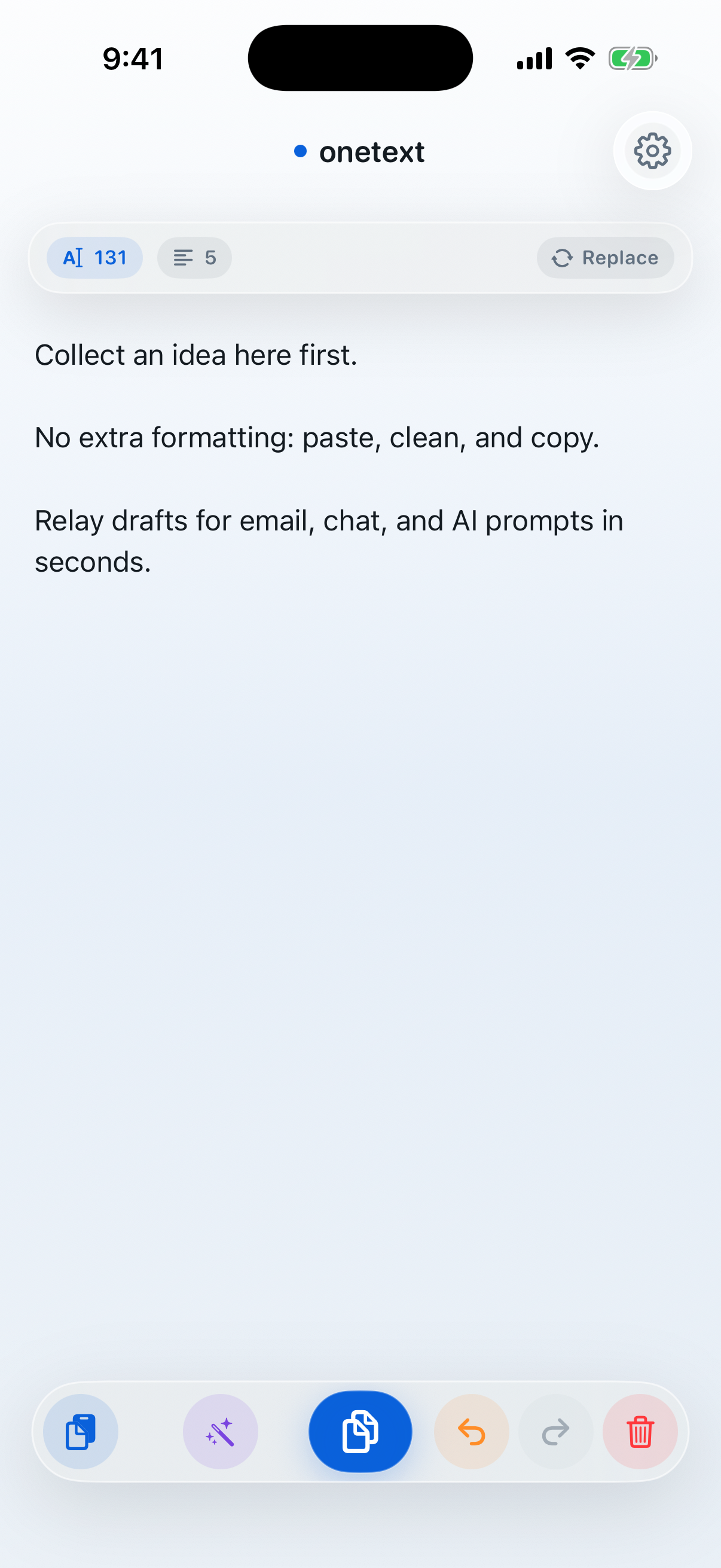
App summary
Paste quick thoughts or shared text and make it easier to read before saving.
Adjust spacing and line breaks before sharing text in social apps, mail, or chat.
Clean up your text, translate it, then copy only the part you want to send to chat or email.
Split longer text into paragraphs or lines so the exact part you need is easier to copy.
Tidy spacing and line breaks in pasted text so drafts are easier to reuse.
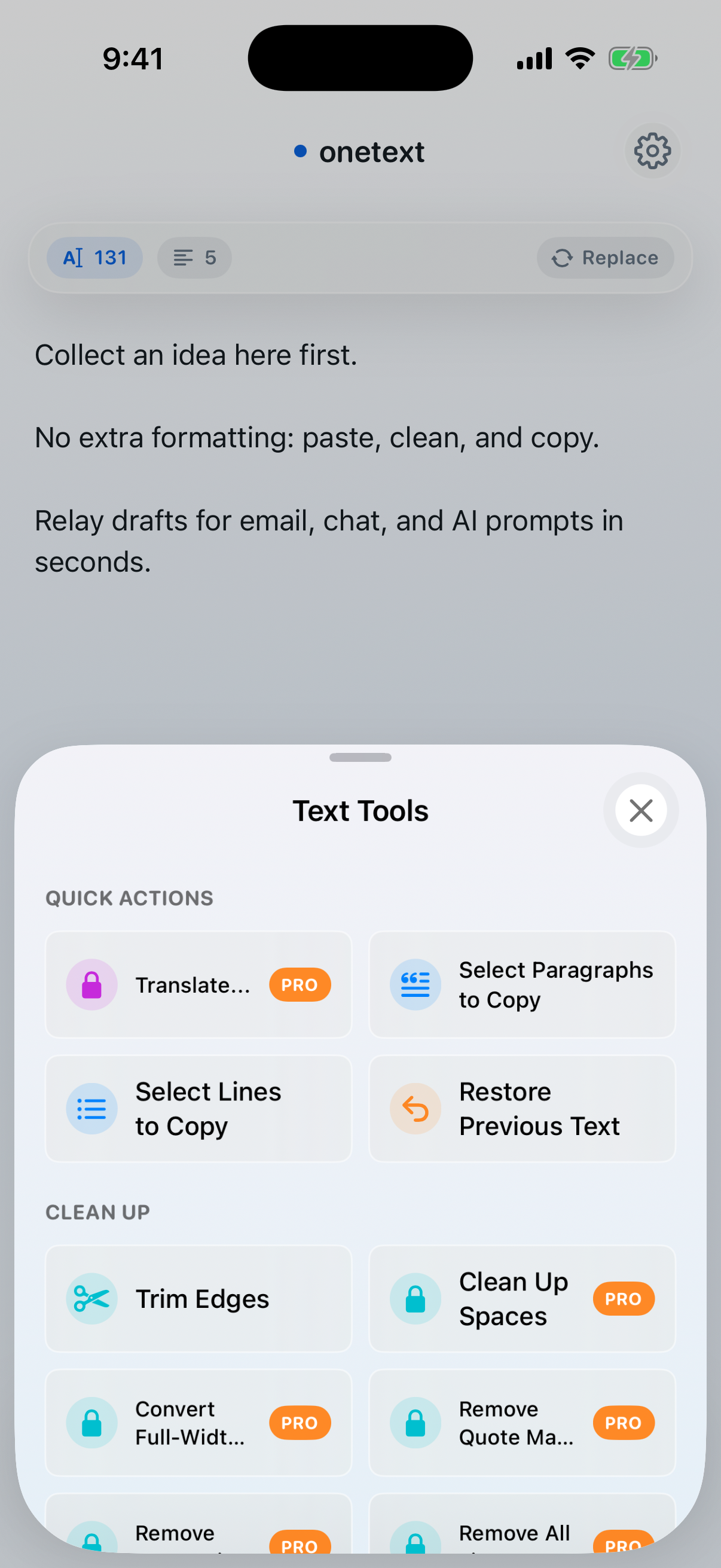
Clean long text, translate it, and split it into paragraphs or lines so it is easier to copy in the right unit.
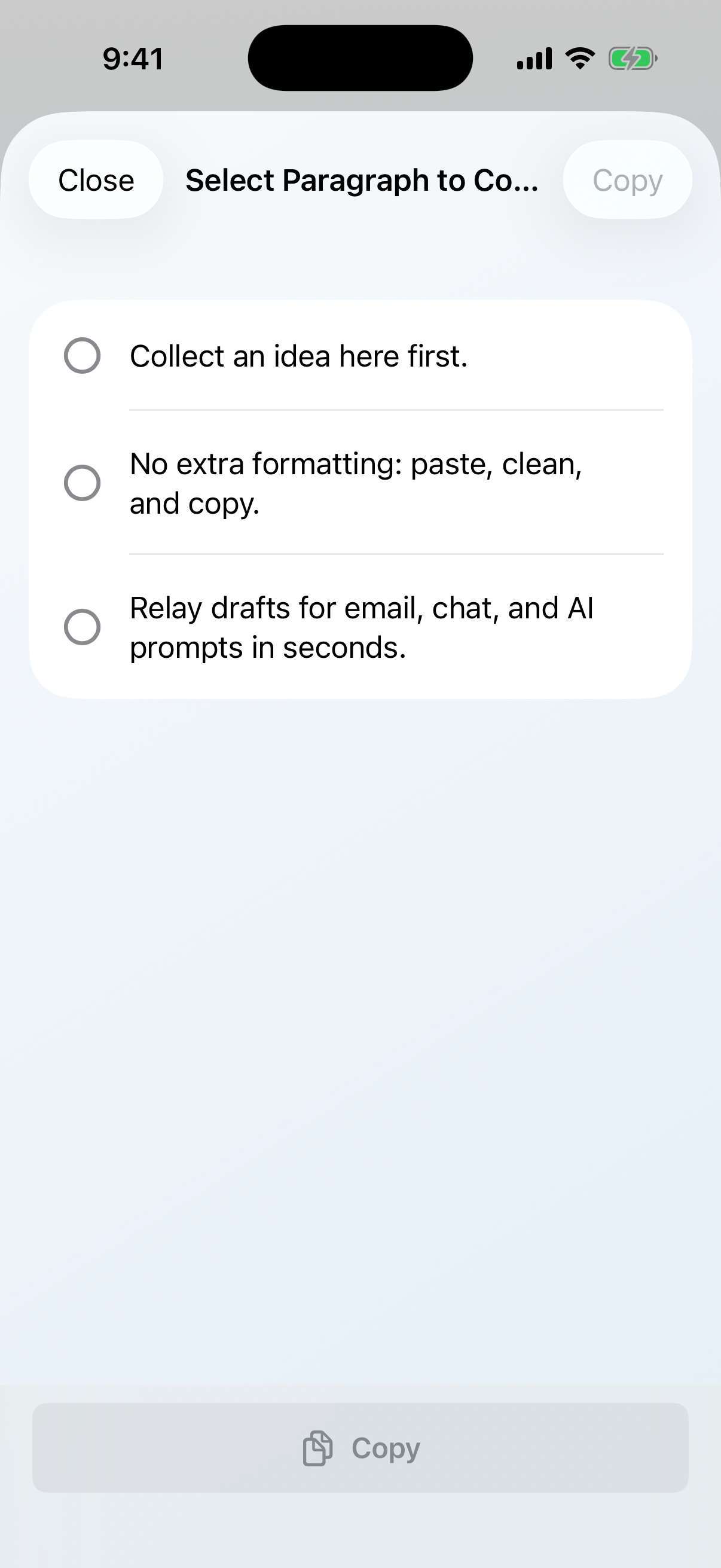
Copy, clear, and continue with the next note or shared text without friction.
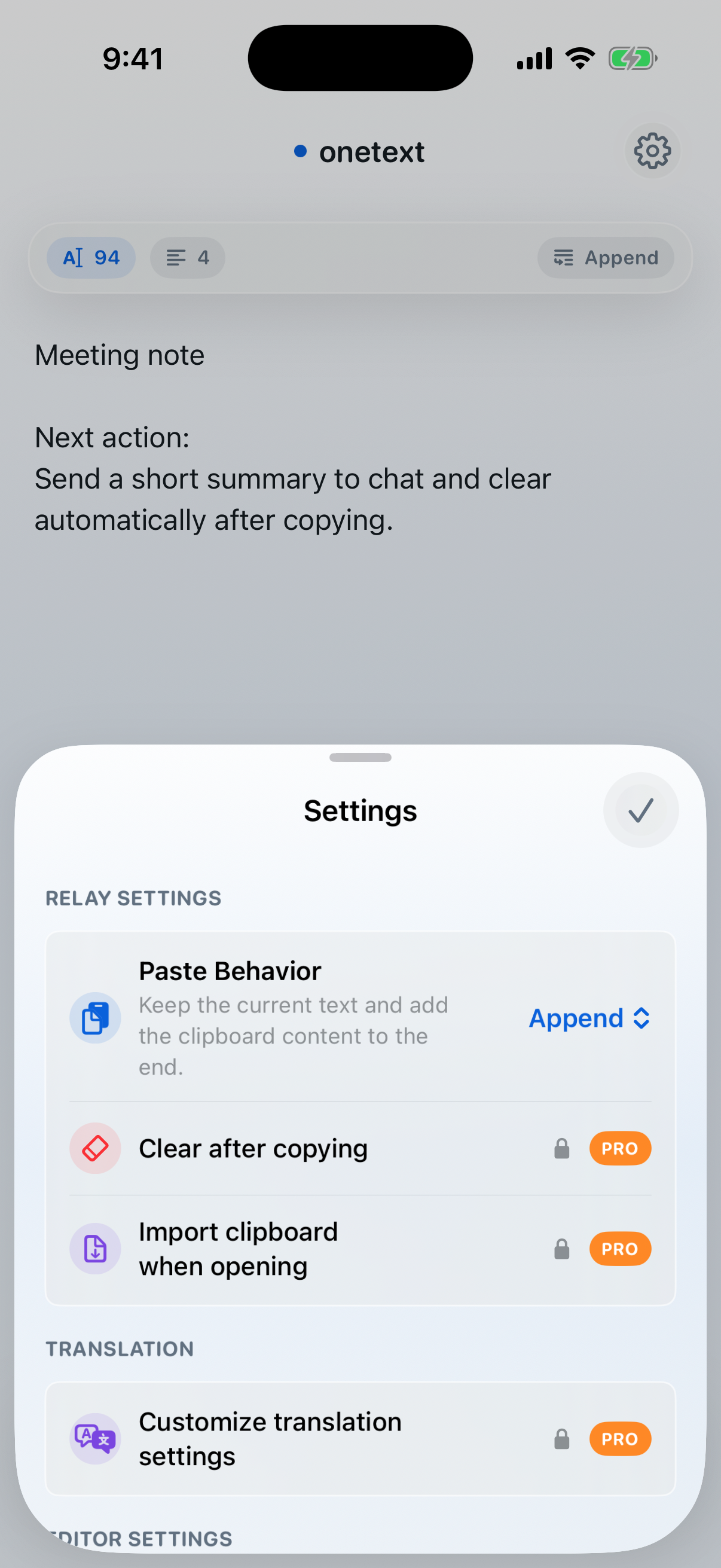
Yes. Core features are free. Pro features such as translation settings, themes, and advanced cleanup are unlocked with a one-time non-consumable in-app purchase for $2.99.
Use it when you want to paste text, clean spacing, translate it, extract paragraphs or lines, and copy from one focused screen.
Yes. You can clean text, translate it, copy only the paragraphs or lines you need, and move on to another app.
onetext is designed as a simple on-device text utility rather than a server-based text processing service.
A one-screen text utility for cleaning and translating messy notes, shared text, and drafts. Extract paragraphs or lines, copy what you need, then clear the workspace for the next task.
Download on theApp Store