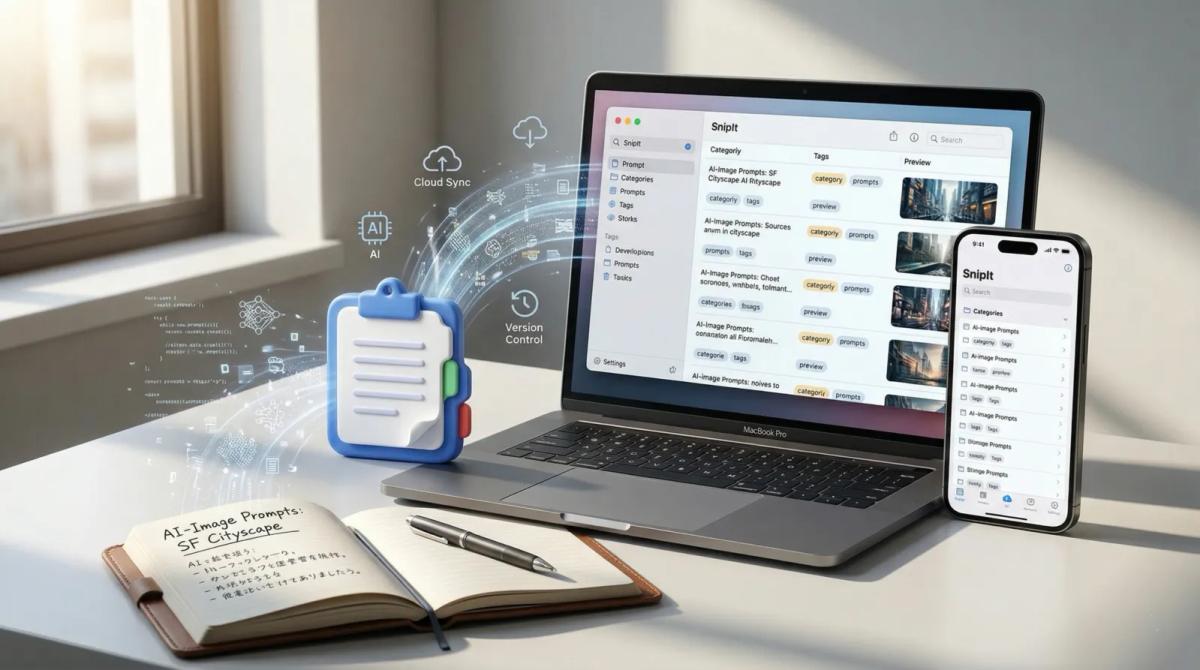
This article compares the main options and helps you decide what to check next for your own workflow. If you want to organize AI prompts on Mac and call them up quickly on iPhone, SnipIt is worth checking not only as a storage tool, but as a day-to-day access path. See SnipIt details
When people get stuck with AI prompt management, the hard part is usually not the number of places where prompts can be saved. The real problem is deciding where prompts should live so they are actually easy to reuse. Notes, Notion, chat history, text snippet apps, and iPhone keyboard workflows all have a place, but they solve different problems.
This article compares the main ways to manage AI prompts, not only by how easy they are to save, but also by how easy they are to find, call up, and use in everyday work. The short version: storage and daily access should be designed as two separate layers.
Quick conclusion
If you only use AI occasionally, a notes app or document is usually enough. If you reuse prompts every day, the access path matters more than the storage location. A practical system often combines long-term storage in a document with quick access through a text snippet app or keyboard-based workflow.
Why saving prompts is not enough
A common AI workflow problem is having good prompts but not being able to reuse them at the right moment. A prompt may be saved in a note, documented in Notion, or buried in a past chat. But if it takes too long to find, you end up rewriting something similar again.
The bottleneck is usually retrieval, not storage. You may need to use a prompt from your iPhone, adjust only a few conditions, reuse a role instruction, or call up a familiar format without breaking your flow.
Good prompt management is less about having a perfect archive and more about making useful prompts available at the moment of input.
Four criteria for comparing prompt systems
1. Ease of saving
Can you quickly capture a prompt when you think of it? If saving is too heavy, the library will never grow.
2. Ease of finding
Can you find the right prompt later by purpose, name, or situation? A saved prompt that cannot be found is rarely reused.
3. Ease of access from iPhone
Even if you organize prompts on a Mac, many real use cases happen on iPhone. Access close to the keyboard can make a big difference.
4. Fit with daily workflow
The best system is one you keep using on busy days, not only when you feel organized.
Main ways to manage AI prompts
Notes apps
Notes are the easiest starting point. They are fast, familiar, and flexible. The downside is that prompts can become scattered as the library grows, and the input path is not especially strong.
Notion or documents
Notion and document-based systems are good for structure, tags, explanations, and long-term prompt assets. They work well as a central library. But they can feel far away when you need to use a prompt immediately from your phone.
Chat history
Reusing prompts from ChatGPT history can be useful because the result and context remain together. But chat history is more like excavation than management. It is not a stable way to retrieve frequently used text.
Text snippet apps
A text snippet app brings storage closer to input. When prompts are organized by use case and available near the writing flow, they become much easier to reuse every day.
iPhone keyboard workflows
If you use AI on iPhone, access from the keyboard can remove a lot of friction. For quick brainstorming, rewriting, replies, and drafts, that small difference can decide whether you actually reuse the prompt.
Comparison table
| Method | Save | Find | iPhone access | Daily workflow | Best for |
|---|---|---|---|---|---|
| Notes app | High | Medium | Low to medium | Medium | People starting casually |
| Notion / documents | Medium | High | Low to medium | Medium | People building a long-term library |
| Chat history | Low | Low | Low | Low | Occasional reference to past examples |
| Text snippet app | Medium | High | Medium to high | High | People reusing prompts every day |
| iPhone keyboard workflow | Medium | Medium | High | High | People who want fast mobile access |
Separate storage from access
The most realistic setup is not to force one tool to do everything. Use Notion or documents for long-term storage, a text snippet app for prompts you use daily, and keyboard access for iPhone use. This keeps the library organized while reducing friction at the moment of input.
Why SnipIt fits this workflow
SnipIt is useful because it can turn AI prompts from archived text into an input workflow. You can save role instructions, output formats, reusable constraints, or complete prompts and call them up when you need them.
This matters most if you summarize, edit, brainstorm, or draft with AI every day. If AI is only occasional, notes may be enough. But when reuse becomes daily, reducing input friction creates real value.
Related article: snipit-template-workflow
FAQ
Are notes enough?
At the beginning, yes. As the number of reusable prompts grows, retrieval becomes the bottleneck.
Is Notion enough?
It is strong for organization, but it is not always close enough to the moment of input, especially on iPhone.
Is a snippet app overkill?
Not if you use AI every day. For frequent users, reducing input friction is often worth more than having a perfect archive.
Summary
AI prompt management works best when you separate long-term storage from daily access. Use simple notes or documents for the library, then move frequently used prompts into a faster input path. The goal is not just to save good prompts, but to make them easy to use again.
SnipIt
iOS / macOS
After comparing options, check whether SnipIt fits your daily workflow
Once you understand the differences between prompt management methods, the next question is whether the system will actually work in your day-to-day use. SnipIt helps you see how reusable AI prompts can be organized on Mac and called up quickly on iPhone, so you can move from comparison to a practical workflow.
Check whether SnipIt can support daily prompt reuse
If you want prompt management to become a habit rather than another archive, SnipIt is worth checking for the way it connects saved text with everyday input.
This variant focuses on daily reuse after comparison.
Turn the comparison into a concrete next step
Instead of stopping at “which option looks best,” use SnipIt as a concrete candidate to test storage, retrieval, and iPhone access in your own workflow.
This variant clarifies what to check next after reading the comparison.
Manage AI prompts and reusable text in one flow
If you also reuse replies, templates, or standard messages, SnipIt can help you organize more than AI prompts. It gives you a way to evaluate prompt management as part of a broader reusable-text workflow.
This variant connects prompt management with broader template operations.